Micro PC notes
How I brought an agent home
A short story about turning a small Orange Pi node into a local home for Hermes Agent, tools, memory, and git-backed work.
The 3D model could not be loaded.
This 3D model was generated through an agentic setup using Codex with GPT-5.6 Sol.
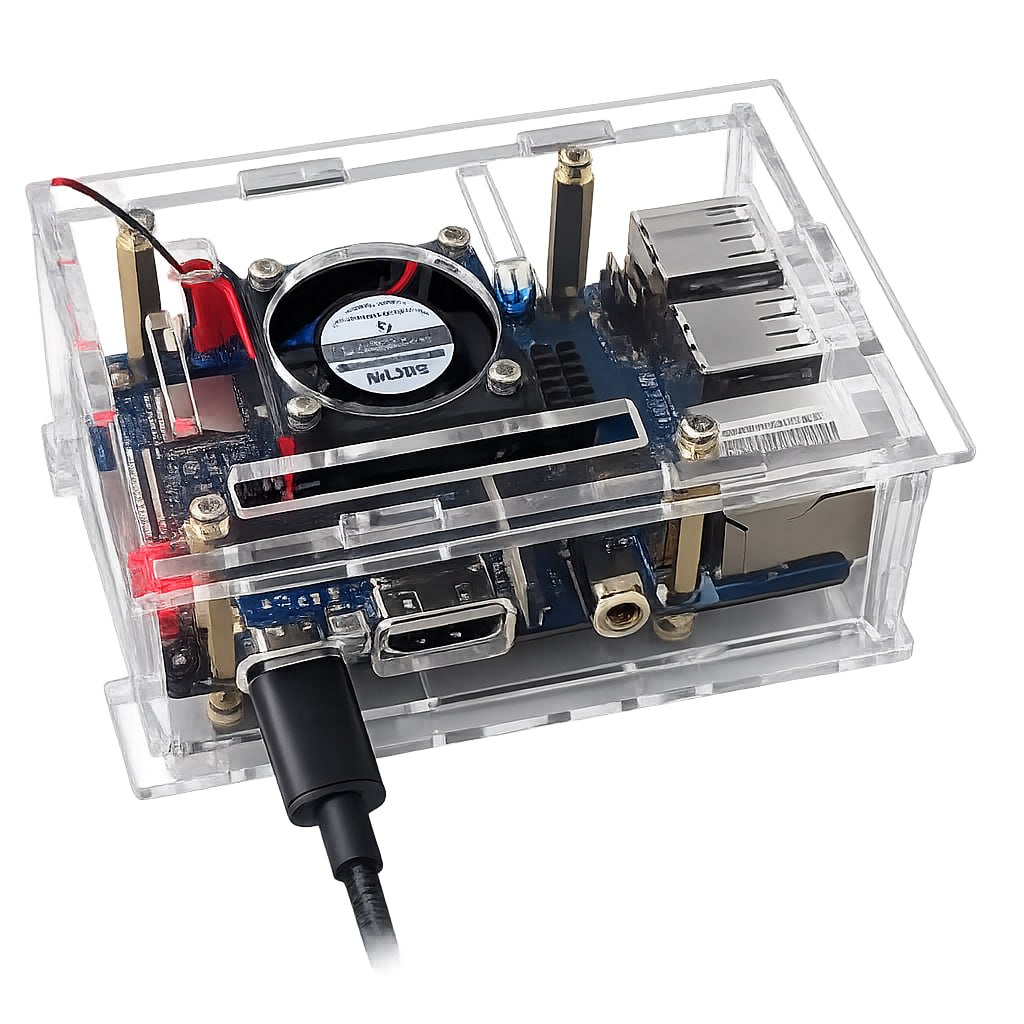
At first it was just hardware: a clear case, a board, a little fan, a cable, power, and network. I simply had to assemble the case and plug the board in. The board cost about 76 CAD, the microSD card was about 15 CAD, and the case plus fan was about 10 CAD, so the whole setup came together for around 100 CAD.
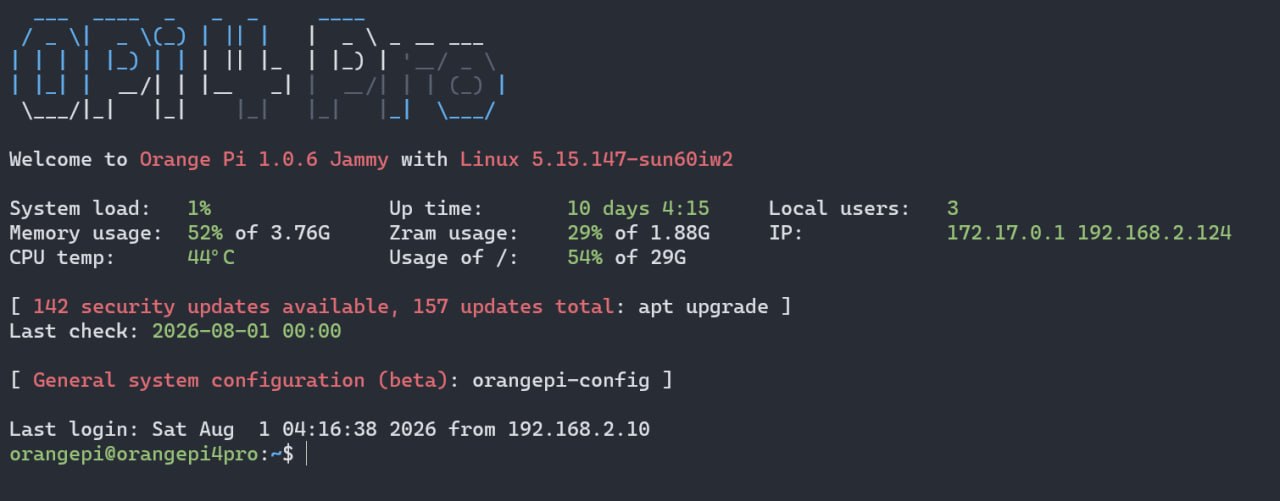
The Orange Pi Linux setup was pretty easy. I downloaded the official Orange Pi image, used Rufus to write the Linux system with drivers onto the memory card, inserted it, and turned the board on.
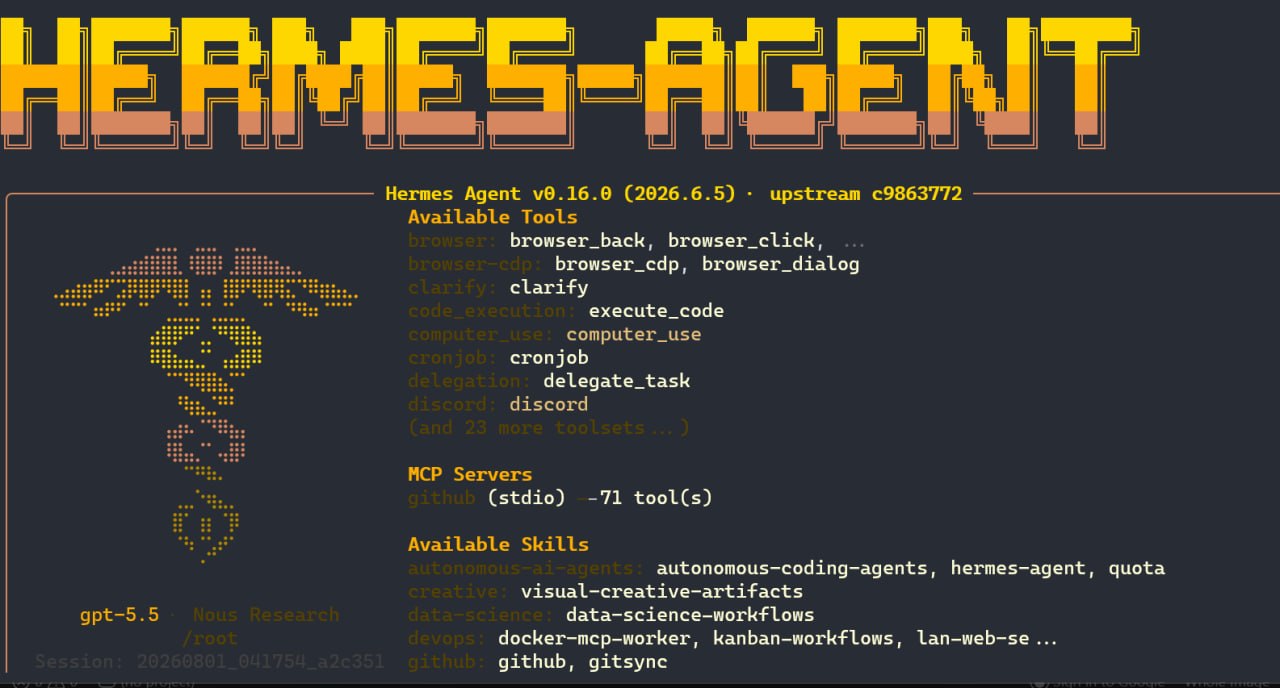
Hermes was much easier to shape than OpenClaw for this use case because skills are built into the concept. Instead of only trying to make the agent act autonomous, I could give it reusable procedures, tools, browser control, messages, and memory that fit the way I actually work.
So I ended up trusting git. If a project mattered, it belonged in a repository. If a workflow mattered, it became a skill. If a change mattered, the diff was the receipt.
The breakthrough was not teaching the machine to remember everything. It was teaching the work to leave evidence.
Write it down, diff it, commit it, push it.
Inside the MicroPC: a hardware deep dive
Scroll through the demonstration to open the case, lift the fan and heatsinks, and slide out the SD card. Each part is named as it separates. Scroll back up to reassemble it.
The 3D model could not be loaded.